

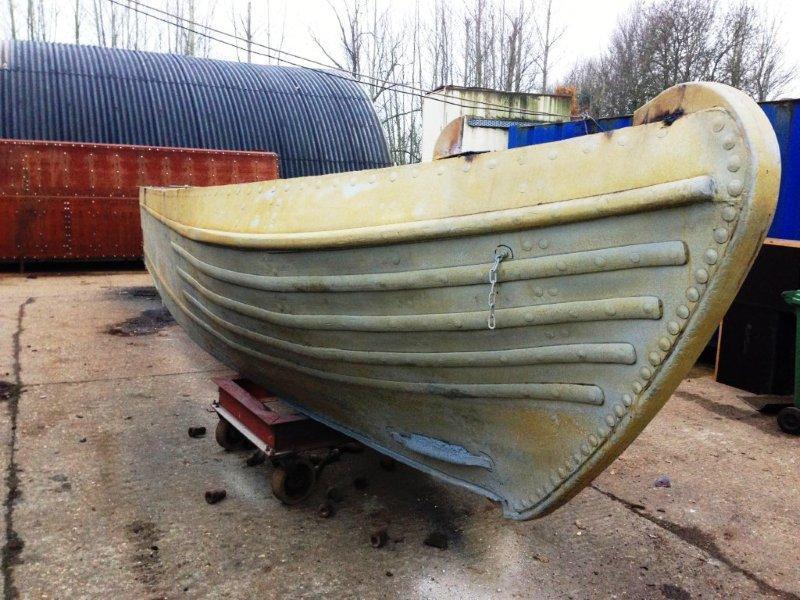
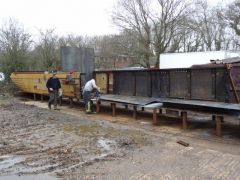
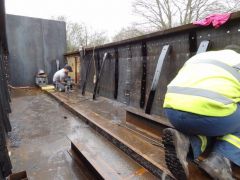
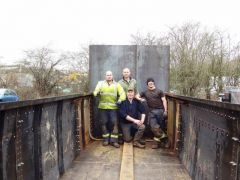
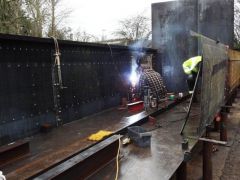
FMC Gorse 2
Album created by
TWO ·
Updated
82 images
-
By TWO · 5 comments
-
By TWO
-
By TWO
-
By TWO
-
By TWO
-
By TWO
-
By TWO
-
By TWO
-
By TWO · 1 comment
-
By TWO · 1 comment
-
By TWO
-
By TWO
-
By TWO
-
By TWO
-
By TWO
-
By TWO
-
By TWO
-
By TWO
-
By TWO
-
By TWO
-
By TWO
-
By TWO
-
By TWO
-
By TWO
-
By TWO
-
By TWO
-
By TWO
-
By TWO
-
By TWO
-
By TWO
-
By TWO
-
By TWO
-
By TWO
-
By TWO
-
By TWO
-
By TWO
-
By TWO
-
By TWO
-
By TWO
-
By TWO
-
By TWO
-
By TWO
-
By TWO
-
By TWO
-
By TWO
-
By TWO
-
By TWO
-
By TWO
-
By TWO · 1 comment
-
By TWO



0 Album Comments
There are no comments to display.