
# fire
-
- back boiler
- multifuel
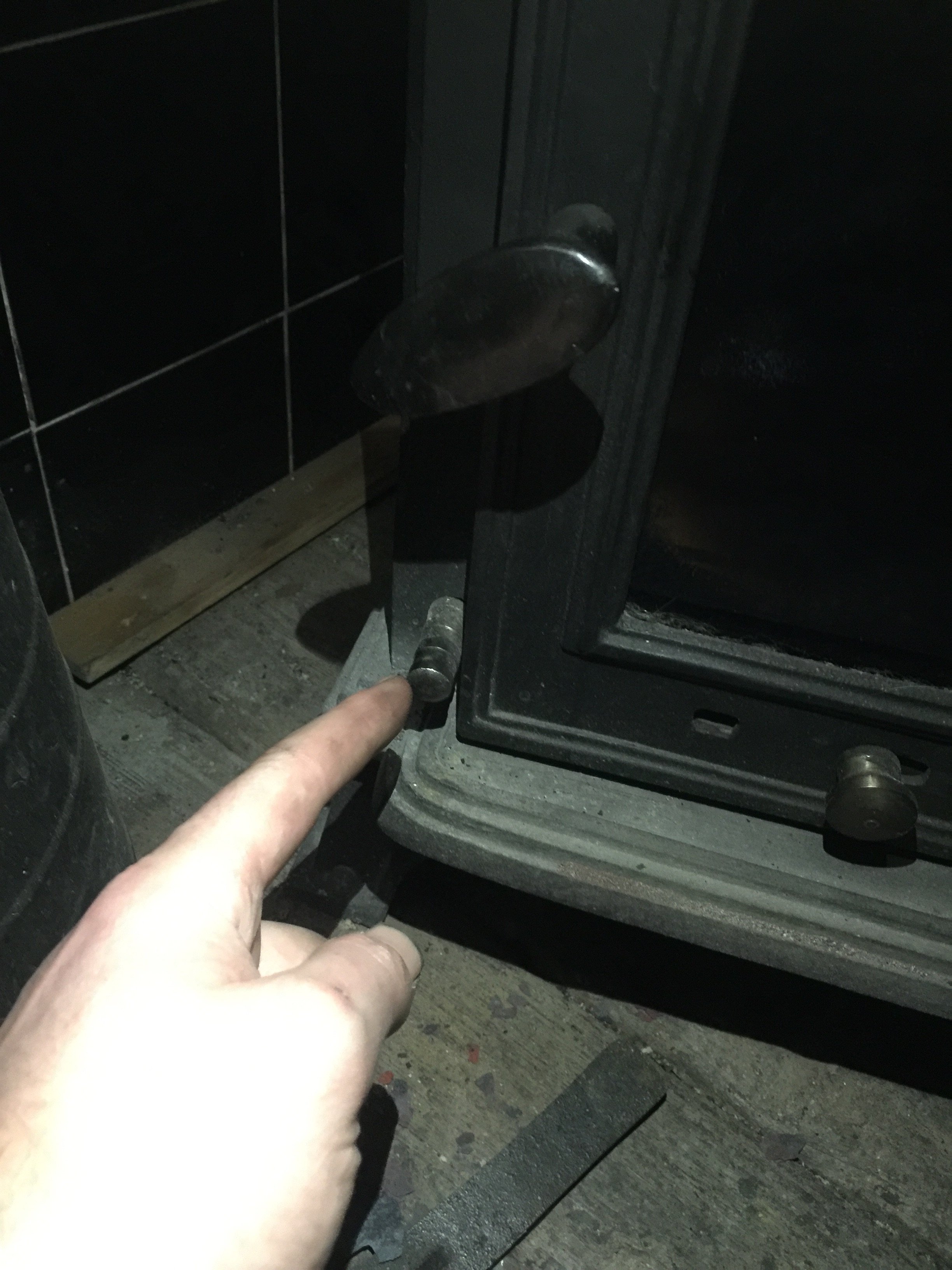
- stove
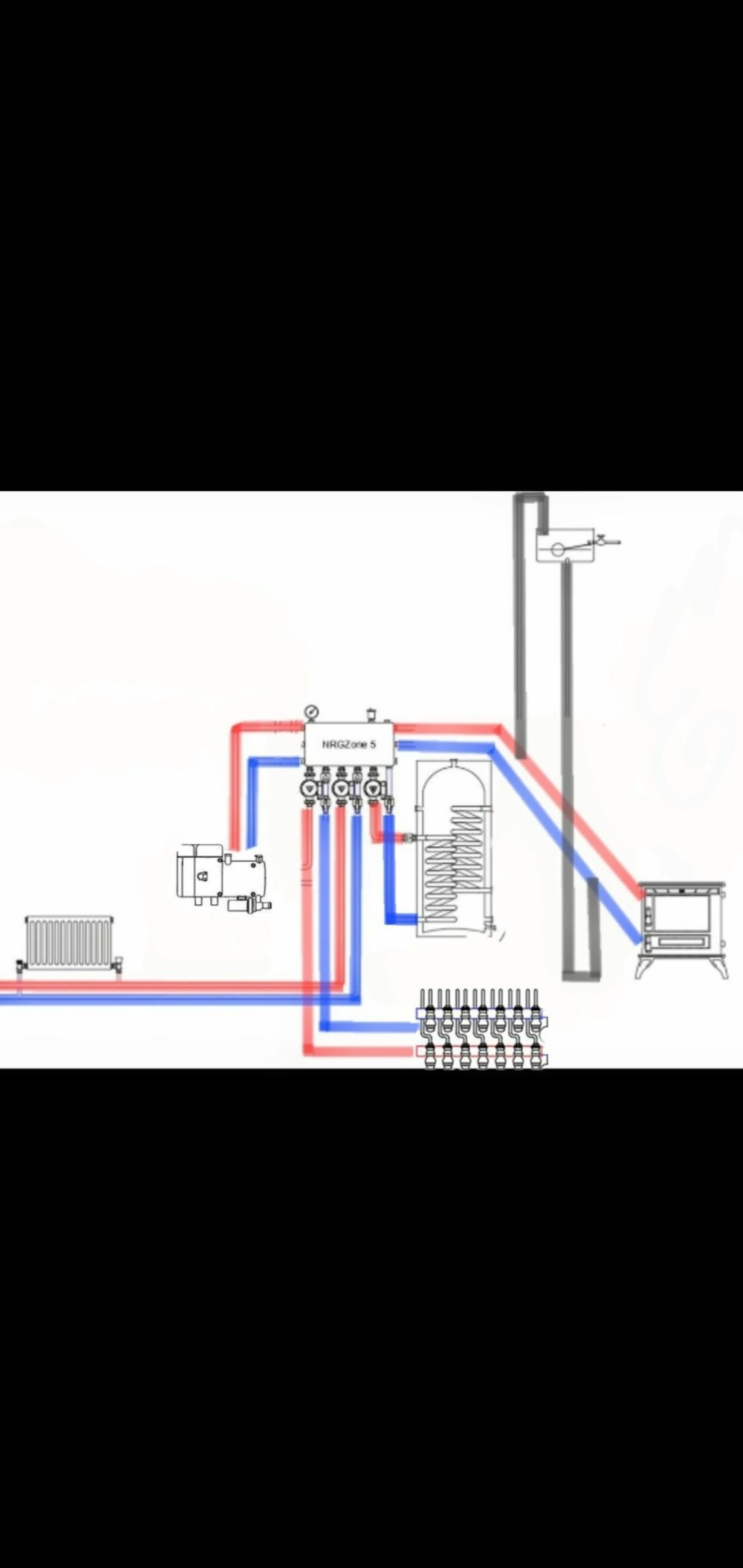
- nrg zone
-
Tagged with:
- back boiler
- multifuel
- stove
- nrg zone
- thermosyphon
- gravity feed
- gravity circulation
- hot water system
- radiators
- fire
- fire safety
- widebeam
- narrowboat
- diagram
- dhw
- calorifer
- heating
- underfloor
- underfloor heating
- header tank
- hot water heating
- hot water manifold
- gravity
- pressure relief valve
- prf
- stove boiler
- hot water savings
- 9 comments
- 1,626 views
-
- 56 comments
- 6,478 views
-
- 17 comments
- 1,086 views
-
- 19 comments
- 2,011 views
-
- 24 comments
- 2,891 views
-
- 11 comments
- 1,950 views
-
- 88 comments
- 8,343 views
-
- 89 comments
- 10,975 views
-
- fire
- CO
- Carbon monoxide
- fatal
-
Tagged with:
- 7 comments
- 1,629 views
-
- oxford
- oxford canal
- river thames
- jericho
-
Tagged with:
- 63 comments
- 11,089 views
-
- 74 comments
- 7,945 views
-
- 42 comments
- 5,724 views
-
- 40 comments
- 3,113 views
-
- 35 comments
- 4,288 views
-
- 6 comments
- 3,225 views
-
- 25 comments
- 25,827 views